

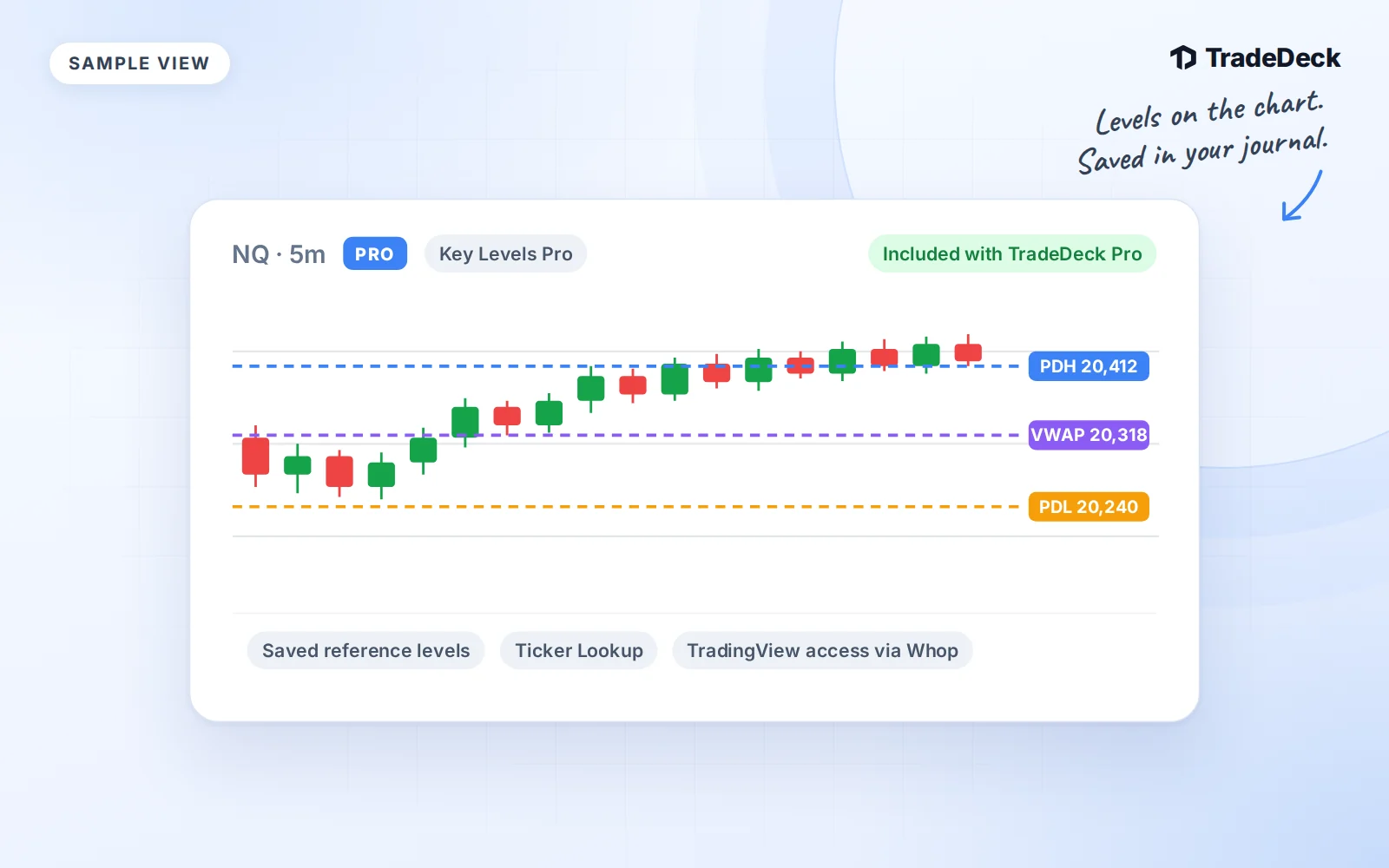
Your chart preparation and your journal now sit under one membership. TradeDeck Pro costs $30 a month and includes Key Levels Pro, OD Volume Cloud and the volume indicator. You use the indicators in TradingView and review your trades in TradeDeck.
There is one TradeDeck Pro checkout. You do not need to buy a second subscription from the bundle page.
What the three indicators are for
- Key Levels Pro puts curated support and resistance references on your TradingView charts. TradeDeck also lets you look up the saved reference levels while you prepare or review a trade.
- OD Volume Cloud brings an EMA cloud, anchored VWAP and high-volume candle highlighting into your TradingView workspace. Its purpose is to help you read trend and participation together.
- The volume indicator is included for use alongside your levels and Volume Cloud in TradingView. The bundle does not promise a separate signal service or automatic trade decisions.
The indicators run in TradingView. TradeDeck gives you the journal, Ticker Lookup and published chart snapshots. A saved reference is something to compare with your trading platform, not a current quote or a price forecast.
What you see in Ticker Lookup
Open Ticker Lookup and search a supported symbol. The current catalog covers 48 symbols, including SPY, QQQ, NVDA and TSLA, plus supported continuous futures symbols.
You see saved reference levels and their update date. Where a chart has been published, you can also open its snapshot. That chart is an uploaded screenshot with its own capture date and timeframe. TradeDeck does not generate it from the list of levels.
Check both dates. A level update and a chart capture can come from different sessions. Neither tells you the current market price. Use your brokerage or TradingView for the current chart before making your own trading decision.
Try three lookups a day on Free
Free members get three successful supported lookups per account-local day. Each search counts, including another search for the same symbol. Unsupported symbols do not use a lookup.
A successful preview includes an available published chart. Opening that result's chart again does not use another search. After your third successful lookup, the result stays usable for that day, but a new search needs the next daily allowance or Pro access.
Pro members get unlimited lookups and access to the published charts. The free preview does not include the TradingView indicator bundle.
Activate the indicators through Whop
1. Open your membership
Start from the Key Levels Pro bundle page. On the TradeDeck website, use the existing Pro checkout if you need a membership. If you already have active Pro access, open your existing membership in Whop.
2. Enter your TradingView username in Whop
Use the TradingView account where you want to use the indicators. Whop handles this setup. TradeDeck does not collect your TradingView username or verify that activation has finished.
3. Add the scripts in TradingView
In TradingView, open Indicators, then Invite-only scripts. Add Key Levels Pro, OD Volume Cloud and the volume indicator. This is the name of TradingView's script section. You do not need a separate coach invitation to receive the bundle through your Pro membership.
If access is not showing, check the username and the setup instructions in your Whop membership. Do not start another TradeDeck subscription to retry activation.
Keep preparation connected to review
After a trade, record what you actually traded and how you managed it. Use the reference levels as context for your notes, then compare your plan with your fills. The bundle gives you tools for that process. It does not place trades or promise an outcome.