

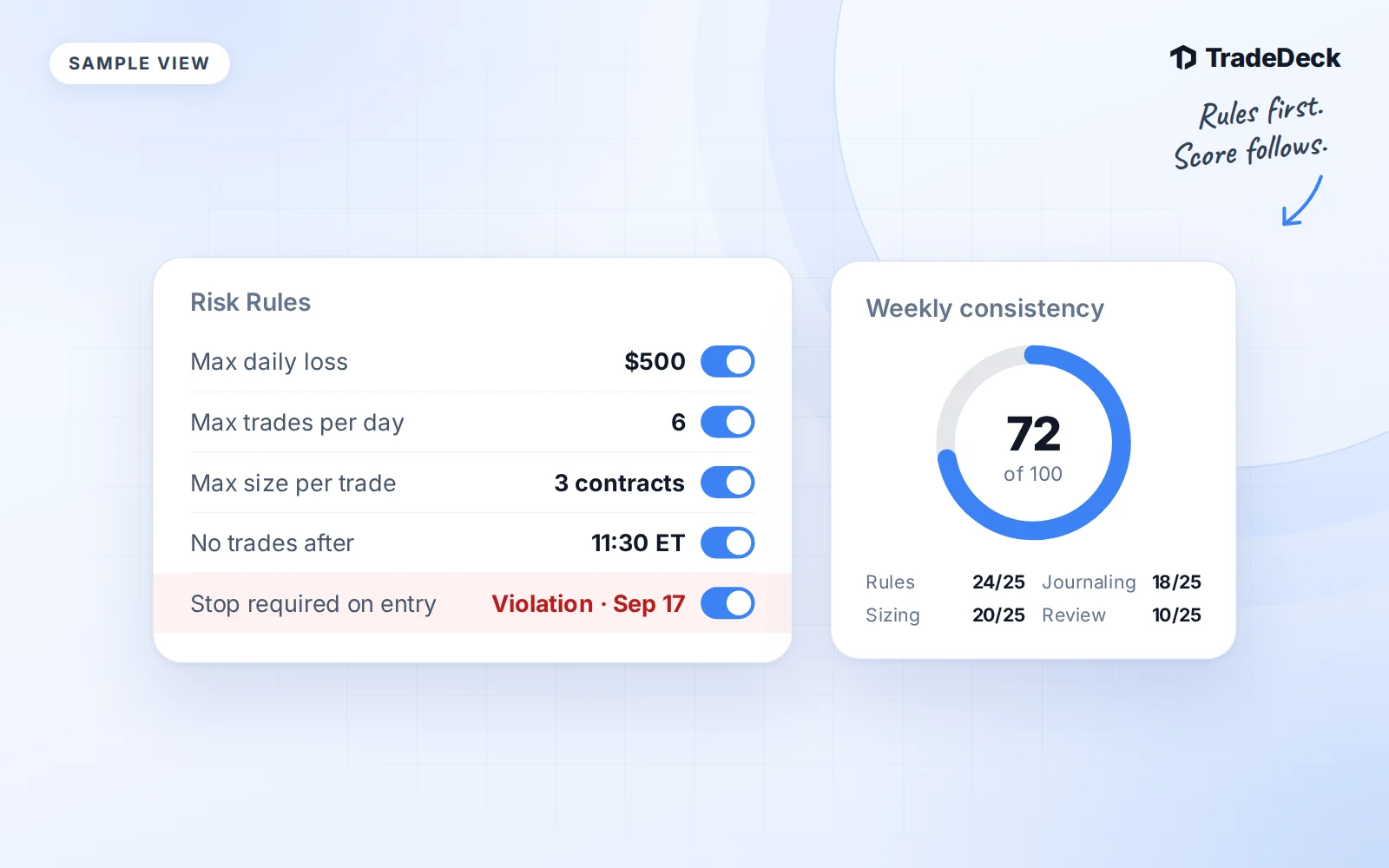
A profitable week can still contain decisions you did not plan to make. Risk Rules give those decisions a place in your journal. The consistency score then brings your logging, review, rule adherence and setup tagging into one weekly view.
These tools measure your recorded process. They do not place orders, prevent a broker from accepting a trade or grade you by profit.
Set up the five rule types
Open Risk Rules. Choose a rule type, enter its limit where needed, and save it as active. Use limits from your own plan. The numbers below are examples of how the checks work, not suggested trading limits.
Max loss per trade
Enter a dollar amount. For example, with a $200 limit, a recorded loss of $225 produces a flag. A loss of exactly $200 does not exceed the limit. The check uses the trade's recorded P&L.
Max position size
Enter the maximum number of contracts, shares or units per trade. For example, a limit of 2 contracts flags a trade recorded with a size of 3. Check the instrument and quantity before saving the trade.
Trading hours
Set your trading window in Eastern Time. For example, a window from 09:30 to 11:30 flags an entry at 12:00 ET. Overnight windows are supported. This check uses entry time, so it is different from a rule about when you close a position.
Max trades per day
Enter a whole-number limit. With a limit of 3, the fourth recorded trade in the Eastern Time market day is flagged. Trade order follows entry time. Importing or correcting records can therefore change which trade crossed the limit.
Stop respected
Activate the check and record your planned stop on the trade. As a simple long-trade example, a losing trade with a stop at $100 and an exit at $99 is beyond the recorded stop and gets a flag. For a short trade, an exit above the stop is beyond it. A missing stop or exit does not provide enough information for this check.
Read a violation in context
The server checks the rules after a trade is saved, edited or deleted. Open a trade's Rule violations section to see the recorded result. For the loss example above, the detail identifies the $200 limit and the loss that exceeded it. The dashboard also shows a Rule Flags count.
The violation record is read-only. If an imported quantity or timestamp is wrong, correct the trade itself and let the checks run again. If the record is right, use the flag in your review. It is evidence about your process, not an instruction to change your next position.
How the weekly score is calculated
The consistency score runs from 0 to 100 for a week starting on Monday. Each component is worth up to 25 points. Tap the score on Today or the dashboard to see the breakdown.
| Component | Points |
|---|---|
| Logged trades | 25 if you logged at least one trade this week, otherwise 0 |
| Review submitted | 25 if you submitted the weekly review, otherwise 0 |
| Rule adherence | 25 with no active rules; otherwise round(25 × (1 − violations ÷ trades)), with a minimum of 0 |
| Tag completeness | round(25 × (trades with a setup tag ÷ trades)); 25 if there are no trades |
For rule adherence, an empty week uses 1 as the divisor to avoid dividing by zero. Violations are counted flags, not necessarily distinct trades. Setup completeness uses the trade's setup field. Adding an unrelated tag does not fill that field.
If rule checks are still pending, the score can remain unavailable until they finish. TradeDeck does not assume that missing check results mean there were no violations.
Worked example: a 92-point week
Suppose you recorded 12 trades, have active rules, received 2 violation flags, tagged 10 trades with a setup and submitted your weekly review. This is an illustrative week.
- Logged trades: 25 points.
- Review submitted: 25 points.
- Rule adherence: round(25 × (1 − 2/12)) = round(20.8333…) = 21 points.
- Tag completeness: round(25 × 10/12) = round(20.8333…) = 21 points.
Total: 25 + 25 + 21 + 21 = 92 out of 100. No P&L figure enters that calculation. A winning and a losing week with the same process records receive the same score.
Finish with one useful review
Your weekly review has room for the best and worst trade, best and worst setup, an improvement target and notes. Use the flags and missing setup fields to choose what needs attention. Write the target in plain language so you can check it against next week's records.
The weekly consistency score is separate from the Execution Score on an individual trade. One summarizes your weekly process; the other records your answers to that trade's execution checklist.