

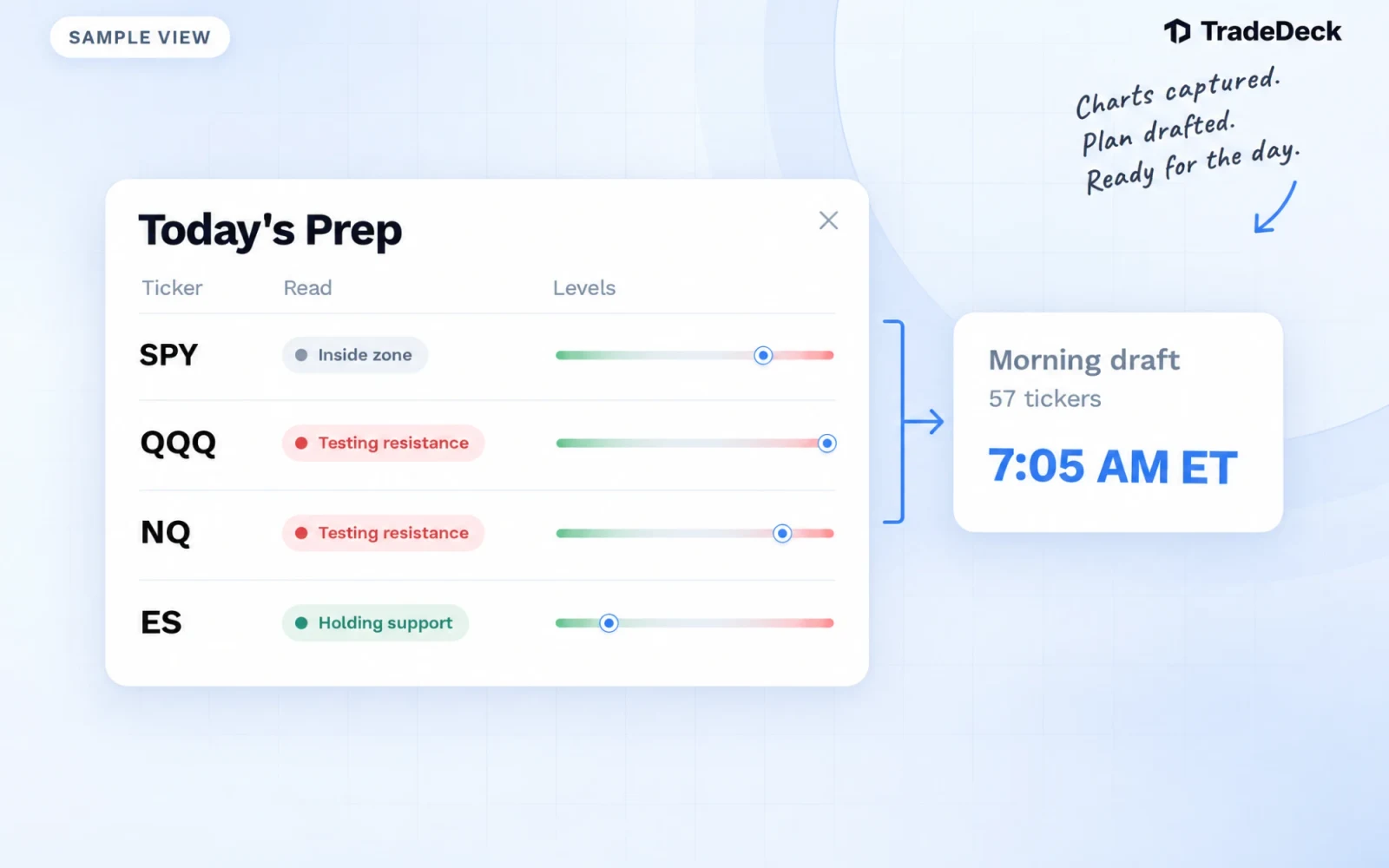
Before the open you want three answers fast: where price sits against the levels, what is on the calendar, and which names are worth watching today. Ticker Lookup used to make you search for them one at a time. It is now Prep, and it opens with the answers.
Prep is the first tab in the TradeDeck app and sits right under Dashboard on the web. It has two views:
- Brief: SPY, QQQ, NQ and ES, the day's top picks, and the day's events and earnings
- Board: all 57 Key Levels Pro tickers, sorted by how close each one is to a level
Updated every trading morning, without anyone typing it in
Prep is built to stay current on its own. Each trading morning:
1. Charts for the Key Levels Pro tickers are captured and uploaded, each with its last price and the time it was taken.
2. Every ticker is measured against its published levels: the nearest support below, the nearest resistance above, and how far away each one is.
3. At 7:05 AM ET a game plan is drafted from those levels, the captures and the week's economic calendar and earnings, written in the same voice as the morning watchlist.
4. Jordan or Tyler reviews the draft, edits what needs a human eye, and posts it. Nothing reaches members until it is posted.
Charts and last prices can also be refreshed during the session, so a card is not stuck on the morning's picture. Every card says when its numbers were captured.
The levels themselves only change when Jordan or Tyler publishes a new set. A fresh chart never quietly moves a level.
The Brief
The Brief opens with four cards for SPY, QQQ, NQ and ES. Each one has:
- The latest chart, which you can expand full screen and zoom
- A tag for where price sits, such as Testing resistance, Holding support or Inside zone
- The notes for that ticker from today's plan
- A range bar from the nearest support to the nearest resistance, with the last capture marked and the distance to each side
Below them are the top picks: up to six stocks that have just crossed a level or are sitting on one that morning, each with its own chart, notes and range bar. Jordan or Tyler can swap, reorder or retag the picks before posting.
The Today card lists the day's economic releases and earnings next to the plan, so you can see at a glance what lands at 8:30 and who reports before the open. Past preps are a tap away at the bottom.
The Board
The Board is every ticker on one screen: futures, ETFs and stocks. Sort it by Closest to see which names are sitting on a level right now, or filter it to Futures, ETFs, Stocks, today's Focus names or your own Watchlist. Star a ticker anywhere in Prep to add it to your watchlist.
Each row shows the last capture, the nearest support and resistance, and a small bar with the dot where price was captured. Green means it is leaning on support and red means it is pressing into resistance, and the tint only shows when price is within 2% of the level.
Every ticker has its own page
Tap a ticker for its page:
- The chart and every published level, with the nearest ones highlighted
- Today's notes when the ticker is in the plan
- Your own trades on that ticker, and how many were taken near a level
- Ask Ollie, which already knows the ticker's levels and your trades on it
- Log trade, with the symbol filled in
Free and Pro
Free members get the full SPY, QQQ, NQ and ES cards every day, plus the names and tags of the top picks, and 3 ticker lookups a day for anything else. TradeDeck Pro, and the 7-day trial, open every pick, every chart and all 57 tickers on the Board.
Good to know
- Everything in Prep is a saved reference, not live market data. Prices are labeled Last capture, with the time and "not live", so always check your trading platform before you act on a level.
- Futures read in points and stocks in dollars, the same way they are written in the morning watchlist.
- Prep is educational market commentary. It is not investment advice, and it never tells you to take a trade.
Try it
Open Prep before your next session, read the Brief, and star the tickers you trade. Not on Pro yet? See TradeDeck Pro or start the 7-day trial.