

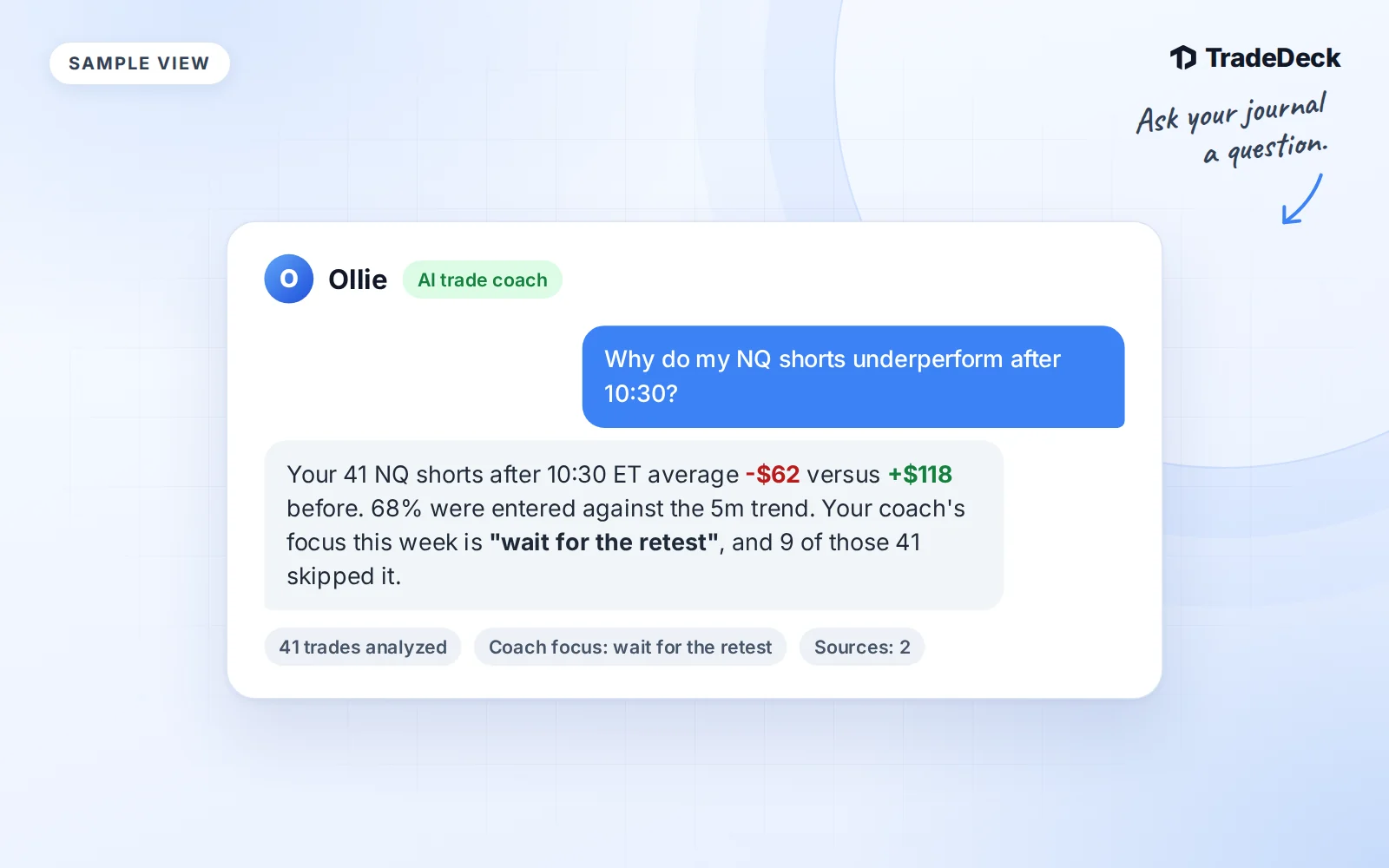
The AI Trade Coach in TradeDeck now goes by Ollie. Open the chat on your dashboard when you want to understand a result, compare your recorded setups or check public market context.
Ollie is a TradeDeck Pro feature. Before using it, complete the in-app AI acknowledgement. Requests are rate limited. If you reach a limit, follow the message in the chat before trying again.
Ollie is not a financial advisor. It never recommends trades or predicts markets. Its job is to help you read your own records and understand sourced public facts.
Six questions to start with
A useful question names the part of your journal you want to inspect. A date range or symbol gives the answer a clearer scope.
- Which trades did I record this week, and what were their results?
- What does my performance summary show for this month?
- How do my recorded setups compare over the same period?
- What do my NVDA trades show about my past results?
- How does my performance differ by time of day?
- What are my recent winning and losing streaks?
Ollie uses read-only tools for trades by date range, performance summaries, setup statistics, ticker statistics, time-of-day analysis and streaks. It reads the records before answering a question about your data.
The answer is only as complete as your journal. Missing trades or setup tags leave gaps in the comparison. If something looks wrong, check the underlying records rather than treating a short answer as the full story.
Public research comes with sources
You can also ask Ollie about public news, earnings, dated prices or broad market context. For example, ask what a company's latest published earnings release says. This is a different task from asking how you traded that ticker.
Research answers include numbered source links and a retrieval timestamp. Follow the links and check the dates. A price mentioned in a source describes that source's point in time. It is not a streaming quote or a promise about the next move.
In the Market Calendar, open a ticker event and choose Ask Ollie about that ticker. Ollie checks the event against the published schedule and researches public information. A scheduled earnings date is not proof that the company has released results. The answer should keep those two facts separate.
Public research accepts a public symbol, a research focus and, when relevant, a date. Private trade notes, account details and chat text are not passed into the public research request. If research cannot be completed or supported with sources, Ollie reports that instead of making up an answer.
Your coach's direction comes first
If you are enrolled in mentorship, Ollie can also read your setup playbook, weekly focus, rule violations, coach feedback and assigned focuses. Ask how your recent records compare with the plan you saved.
When you ask what to work on, your coach's assigned focuses take priority. Ollie attributes feedback to your coach. It does not present that direction as its own or replace it with an inferred trading plan.
Mentorship access comes from a coach invitation. Buying Pro does not enroll you in coaching, and a coaching invitation does not grant Pro access. Ollie's membership requirement remains separate.
What Ollie will not do
- Recommend a trade, entry, exit or position.
- Tell you to buy, sell, hold or avoid a ticker or setup.
- Predict market direction, price targets or future performance.
- Edit your trades or playbook, submit a weekly review, or message your coach.
- Replace missing records or unavailable research with invented numbers.
Use the relevant TradeDeck page to change a record or submit your work. Use Ollie to ask a narrower question about what is already there.
For more on turning journal records into useful questions, read AI trading journal analysis.