

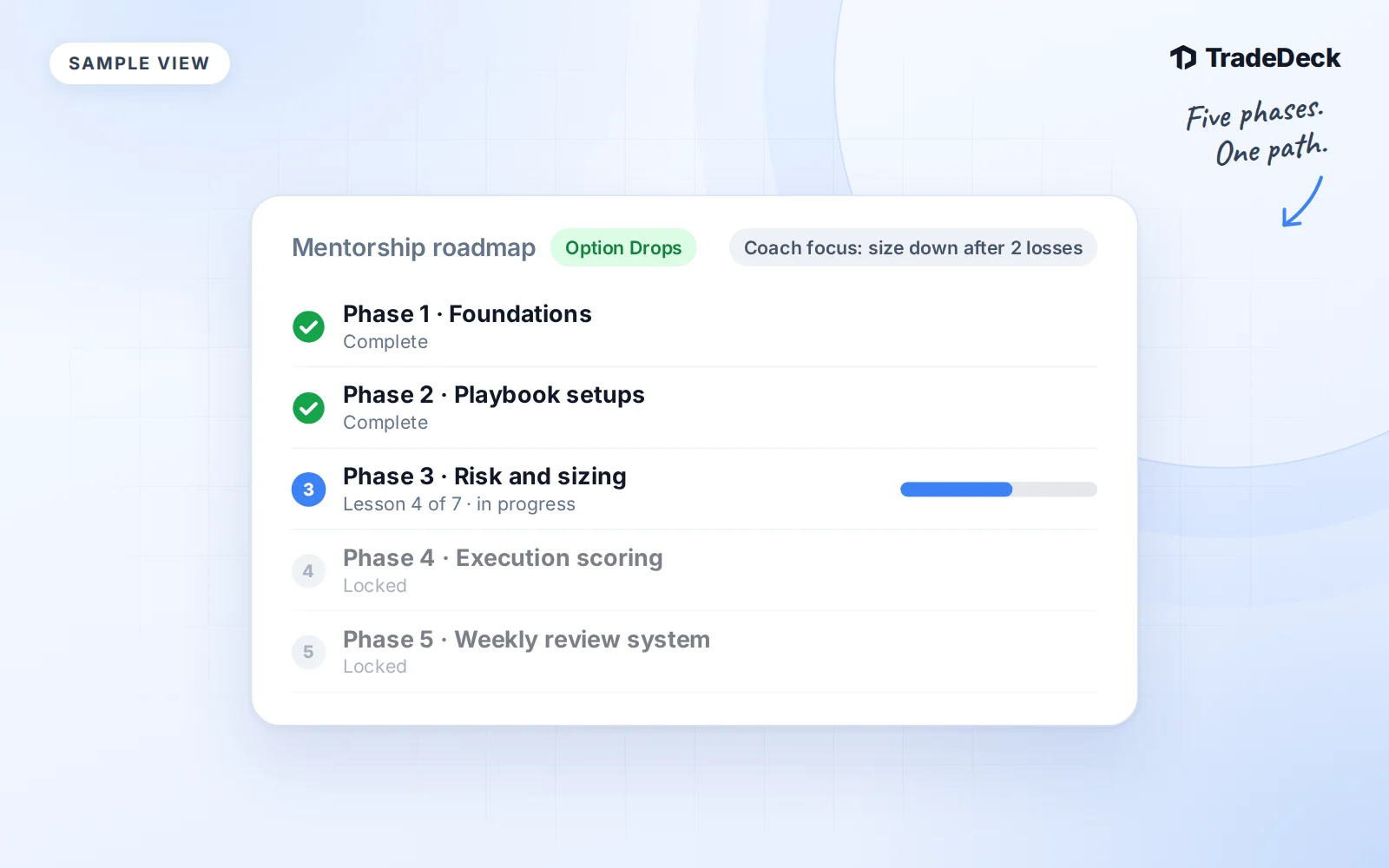
Option Drops mentorship uses TradeDeck to connect lessons with the trades and reviews you bring to your coach. The work lives beside your journal, so you can return to the record behind a question or a piece of feedback.
Access comes from a coach invitation. TradeDeck Pro does not grant coaching access, and a coaching invitation does not grant Pro. Keep those two permissions separate when you decide which tools you need.
Six phases, with platform lessons open from day one
The current curriculum contains 31 video lessons across six phases. Lessons unlock in order, with TradeDeck Implementation available from day one so you can learn the platform while you begin the curriculum.
| Phase | Focus | Lessons |
|---|---|---|
| 0: Trading Basics | Trading language, instruments, contracts, order types and risk basics | 9 |
| 1: Foundation | Market structure, risk management, position sizing and trade planning | 4 |
| 2: The Option Drops System | Watchlists, level confirmation, entries, exits and trade management | 10 |
| 3: TradeDeck Implementation | Journaling, setup analytics and your personal playbook | 3 |
| 4: Advanced Execution | Unusual flow, earnings, macro themes and runner management | 3 |
| 5: Mastery and Refinement | Weekly review and edge refinement | 2 |
You can open the program at Mentorship after your invitation is accepted. Use the phase view to see the lesson you are working on and the work that supports it.
The weekly rhythm
- Monday: market prep and watchlist. Bring the catalysts, levels and setups you are watching into the week's plan.
- Wednesday: execution workshop. Review entries, exits and the difference between planned and actual execution.
- Friday: TradeDeck review. Use the journal to examine recurring mistakes, setup results and next week's improvement target.
- Ongoing: a weekly 1:1 with Tyler and Jordan. Bring your own trades and questions for feedback on your process.
The journal makes those conversations specific. A recorded entry, stop, setup and note give your coach more to work with than a P&L screenshot alone.
What you work on between sessions
Your student workspace includes weekly reviews, market prep, trade reviews and a setup playbook. Use the playbook to write down the criteria behind a setup, then compare your recorded trades with those criteria.
The daily risk checklist asks whether you defined your maximum loss before entry, matched size to the plan, set a stop or invalidation level, checked risk/reward and avoided a revenge or FOMO entry. The daily options-flow checklist covers the catalyst or theme, premium size, expiration and strike, chart confirmation and a written exit plan.
When a lesson raises a question, attach it to a video timestamp. That gives the feedback thread a specific point to discuss. Coach-assigned focuses and goals keep the next piece of work visible after the conversation ends.
Use your weekly review to record the best and worst trade, best and worst setup, an improvement target and notes. You do not need to turn every review into a long essay. Clear records make it easier to see whether you followed through the next week.
What your coach can see
A coach with an active grant can see your trades, weekly reviews, journal notes, rule violations, submissions and lesson questions. This connects feedback to the work you actually recorded.
Removing the grant ends that coach's access. Your records remain yours. Coaching access is not a Pro entitlement, and Pro access does not make someone your coach.
Coaches can draft feedback with AI help, but a draft is not sent to you until the coach reviews it. The coach remains responsible for the feedback you receive.
Start with the free education library if you need it
The Education library is a free signed-in video library open to everyone. You do not need a coaching invitation to use it. Mentorship adds the invited program, student work and coach relationship described here.
For the journal side of your weekly work, read how Risk Rules and the consistency score work. Pro membership and coaching access remain separate whichever learning path you choose.