

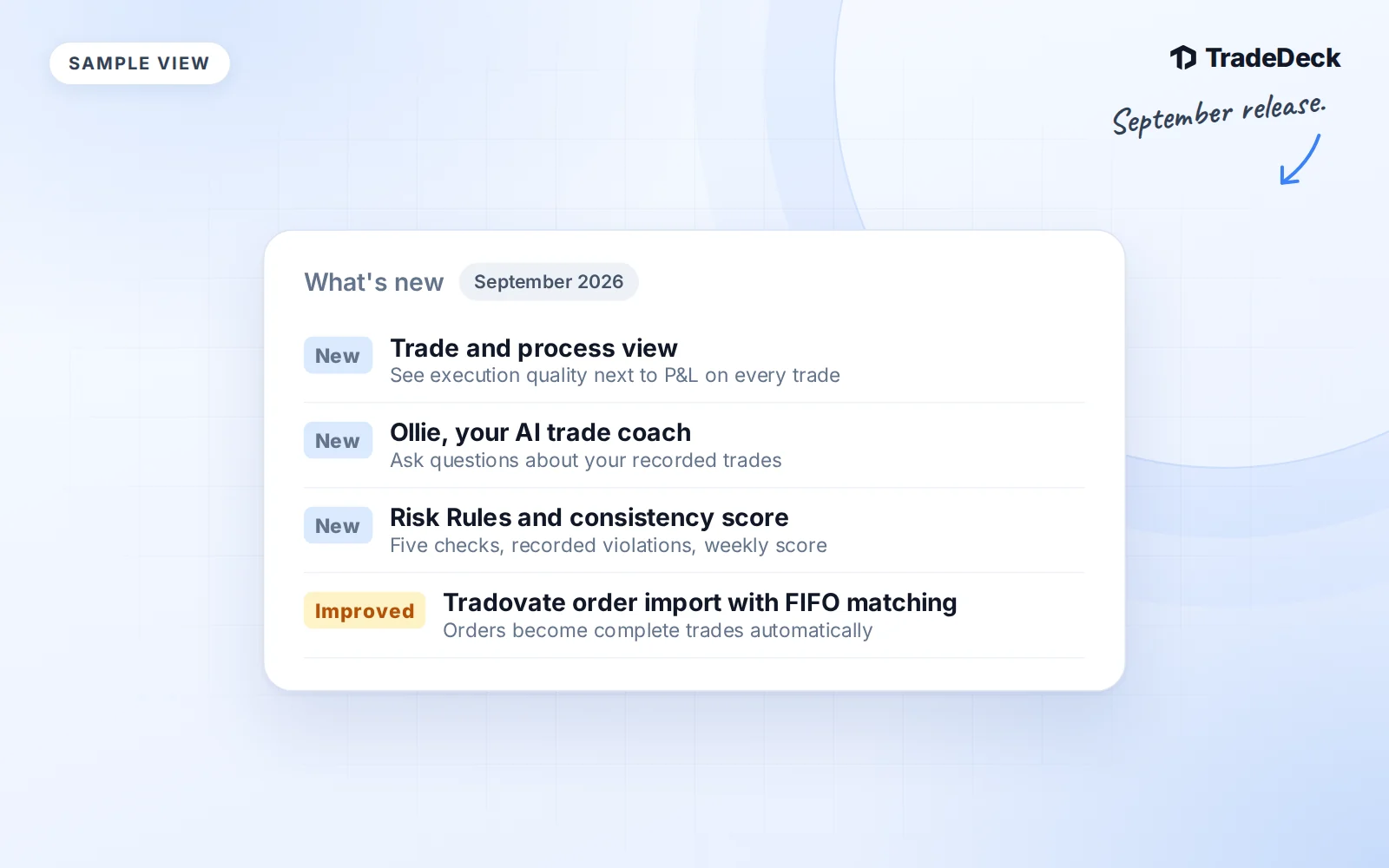
September's changes make it easier to keep the details of a position together and review the decisions behind it. Here is what changed through September 19, 2026, with links to the longer walkthroughs.
Track every entry and partial exit
You can log multiple entries and exits inside one trade on web and mobile. Each fill keeps its quantity, price, time and fees. Review the average prices, realized P&L and quantity still open before closing the rest.
Combine the pieces of one trade
Select compatible journal rows and preview Combine into one trade before confirming. Linked prop accounts keep their own results. Separate trade lets you review and restore the originals when available. Read the guide to logging and combining trades before grouping imported records.
Find the important market events faster
The Market Calendar makes Fed events, economic releases, earnings and impact levels easier to tell apart. Past events are muted and completed days collapse. Your shared watchlist keeps relevant symbols close to the schedule.
A clearer dashboard and analytics view
Recent Trades and the performance calendar sit higher on the desktop dashboard. Streaks, rule flags and review progress are grouped together. Analytics puts realized P&L and the equity curve first. Use the Risk Rules and consistency score walkthrough to understand the process numbers beside your results.
Mobile trade controls stay within reach
Snap Trade actions no longer sit behind the bottom navigation. Trade editing also keeps date and time fields within the screen width, so the form is easier to complete on a smaller display.
More consistent mobile appearance
Glass surfaces and touch feedback are more consistent across the mobile app. Light and dark appearance options are available again, and your preference is remembered.
Less clutter in mentorship progress
The progress section now has a compact summary and expandable history. You can still open past check-ins, completed focuses and achieved goals without keeping every record expanded on the page. Mentorship remains invitation-based and separate from Pro membership.
Clearer signup messages
Signup explanations have room beside password guidance. When account creation needs attention, the sign-in and password-reset options are easier to read and use, including on mobile.
Meet Ollie
The dashboard's AI coach now goes by Ollie. It answers questions about your recorded trades and process. Ollie is not a financial advisor. It never recommends trades or predicts markets. Start with the example questions in the Ollie guide.
The Key Levels Pro bundle (ended November 1)
From September through October, TradeDeck Pro bought on the website also included the Key Levels Pro, Volume Cloud and volume indicators on TradingView. TradingView no longer allows the indicators to be sold, so they were removed on November 1. The levels we trade are now posted every trading morning in Prep, with the day’s top picks and a game plan.
Sourced market research in Ollie
Ollie can research public news, earnings, dated prices and broad market context. Answers include numbered source links and a retrieval timestamp. Ticker events in the Market Calendar can open Ask Ollie. Research keeps published schedules separate from verified results and streaming prices.
Published reference levels and chart previews
Ticker Lookup shows saved reference levels and available published chart snapshots. Each screenshot has its own capture date and timeframe. Expand a chart when you need it. The snapshots are uploaded images, not charts generated from the levels or a live quote feed.
Tradovate Orders become paired trades
The Orders importer now reads Filled executions by account and contract, then pairs them FIFO. Partial exits, entries that add size and reversals remain part of the position history. Follow the Tradovate Orders import guide to check your file and timezone.
A clearer account selector
The account selector gives each account a distinct row and a clearer selected state. You can choose an individual account or the combined view, then reach account management from the same area.
Eight rows in Recent Trades
The desktop Recent Trades view shows eight rows. You can scan more of the latest journal activity before opening the full list. The rows still lead to the underlying trade records for review.
Calendar hover previews
On desktop, hover over a trading day to preview its recorded activity before opening it. The preview gives you context while you stay in the calendar, so you can choose which day needs a closer review.
What Free includes on Prep
Free members get SPY, ES and TSLA unlocked on Prep every day, with their levels and available chart previews. Every other ticker, QQQ and NQ included, is part of TradeDeck Pro.
A moment for today's process
The dashboard now includes a daily encouragement message. It offers a short prompt for reflection alongside your journal. Use it as a reason to pause and review your own decisions, rather than as a signal about what to trade next.